iOS App
What color will you
forage today?
A new color every day. Find it on the streets, in cafes, in the sky — collect 9 photos and your lock screen updates automatically.
App Store색감채집 / Color Walk / 色あつめ
iOS App
A new color every day. Find it on the streets, in cafes, in the sky — collect 9 photos and your lock screen updates automatically.
App Store색감채집 / Color Walk / 色あつめ
Auto Wallpaper
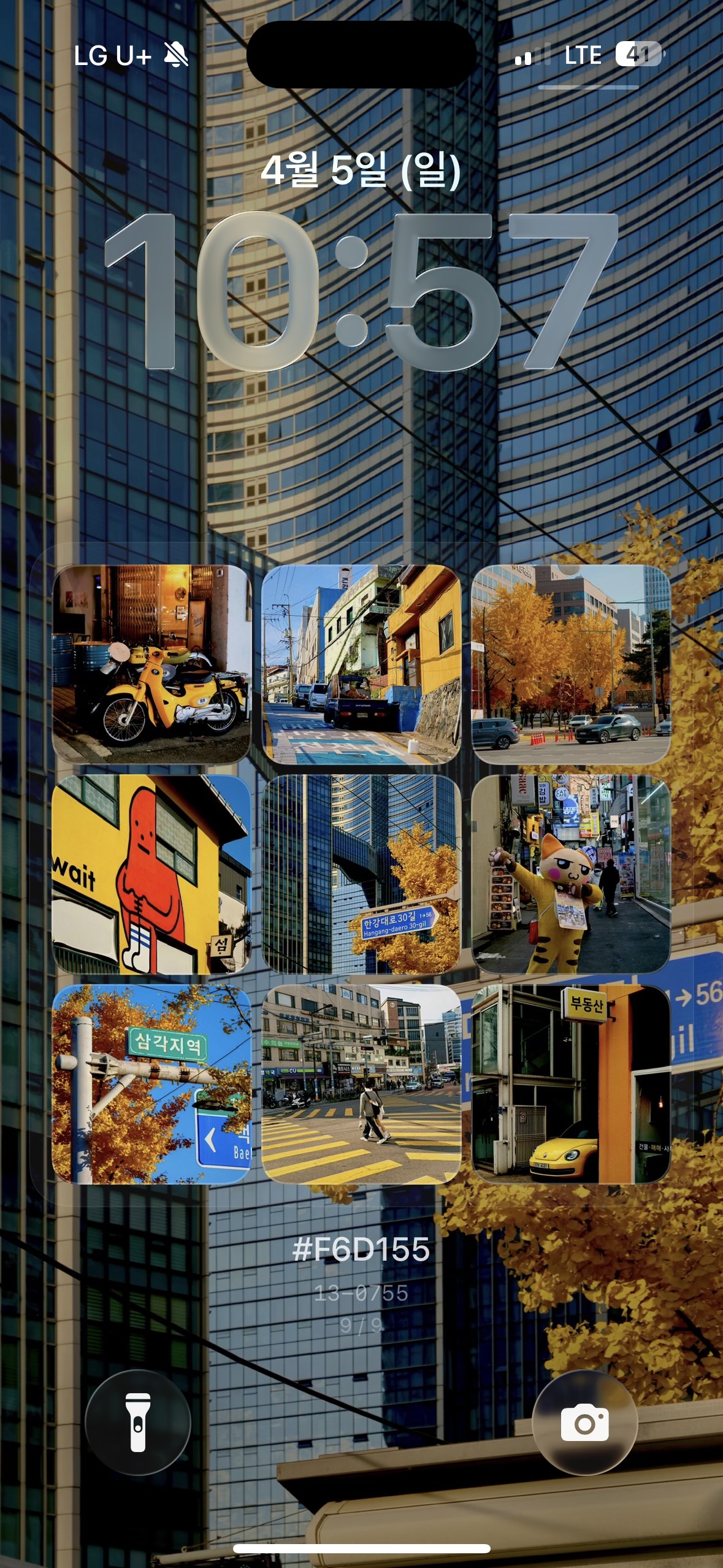
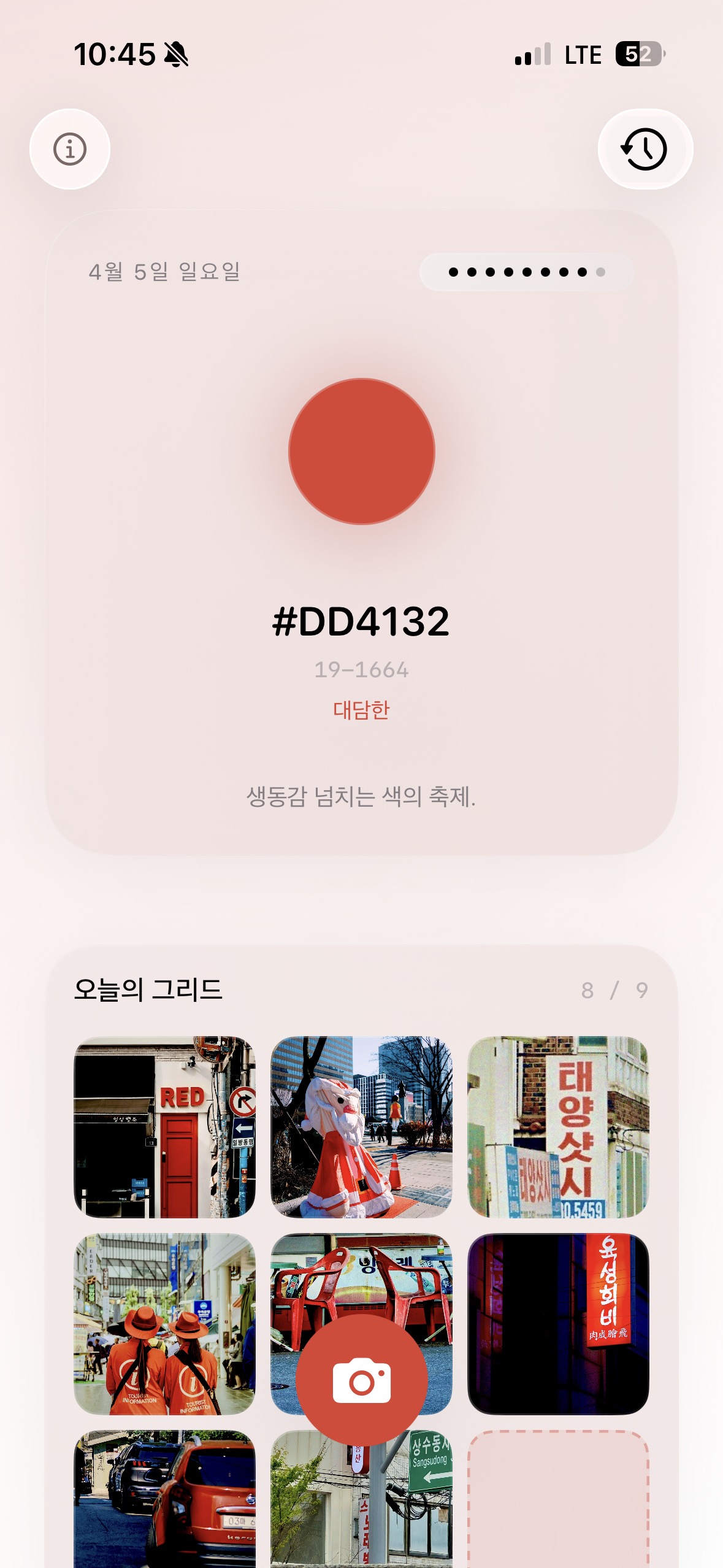
Collect 9 photos and they become a 3x3 grid on your lock screen. Every time you unlock, yesterday's colors greet you.
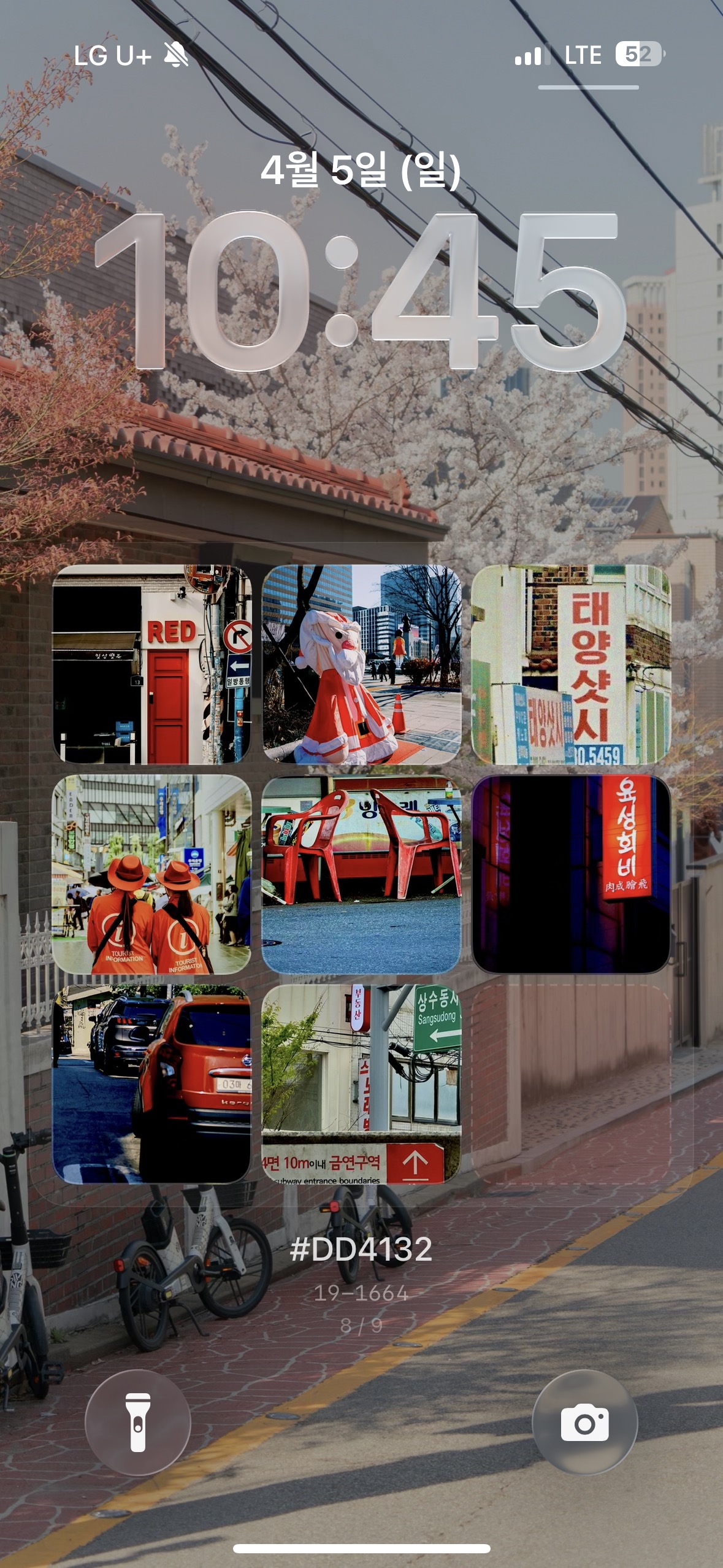
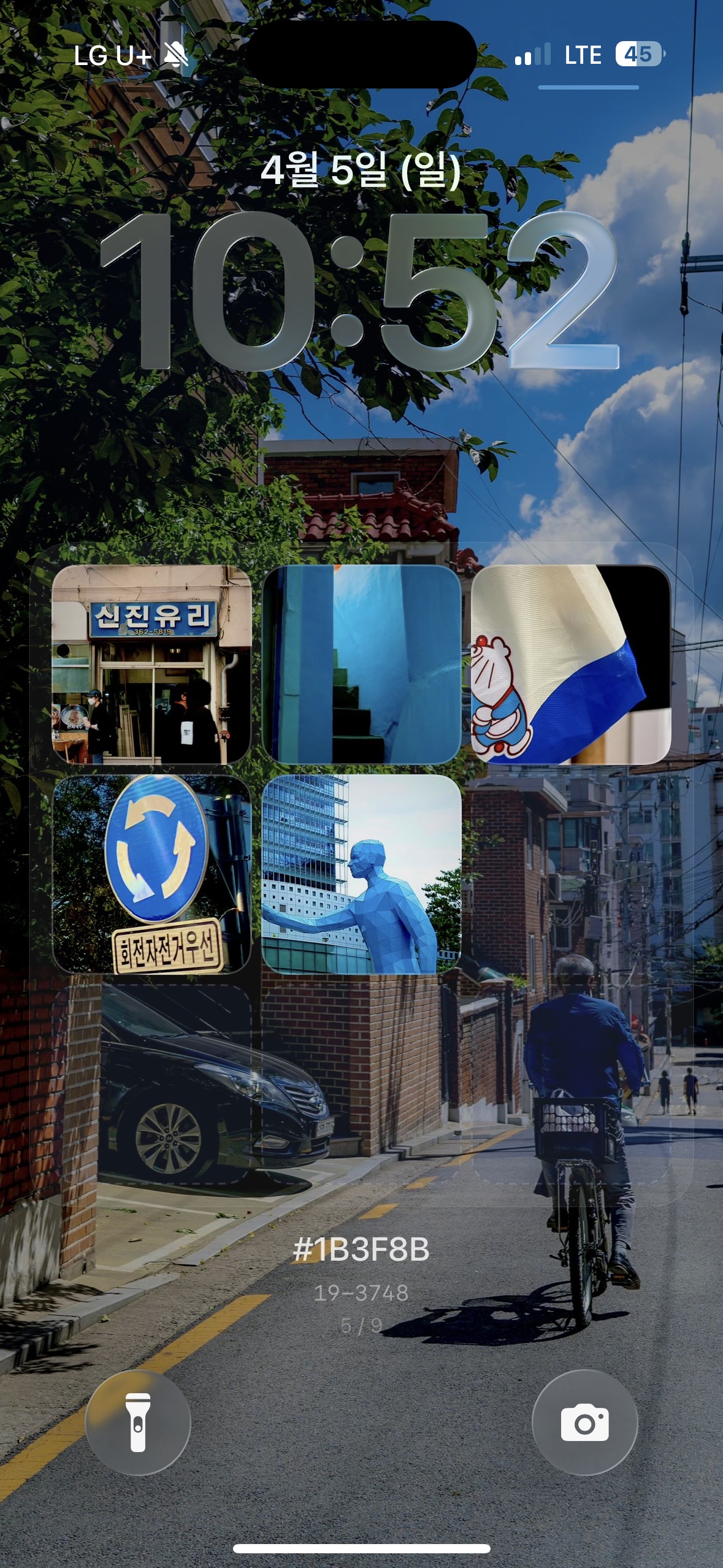
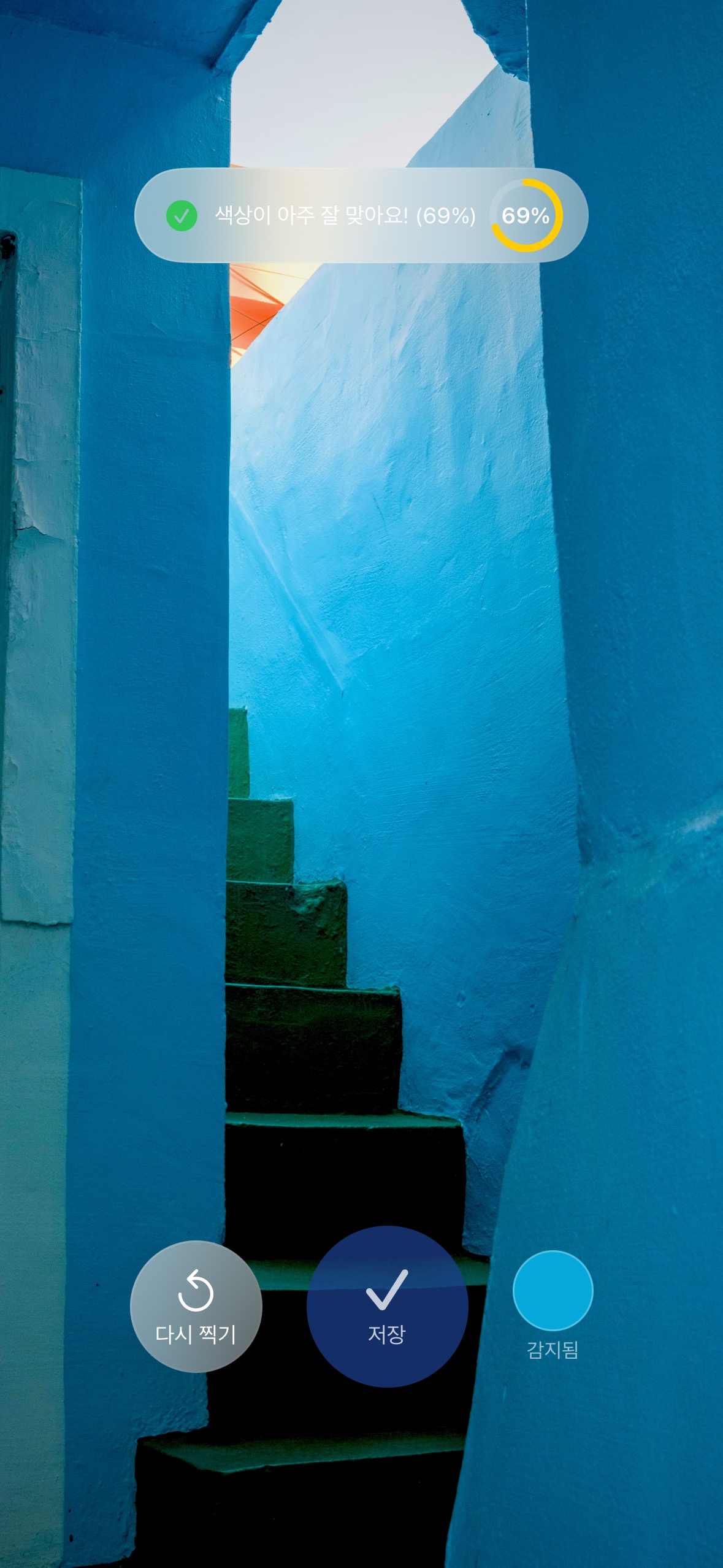
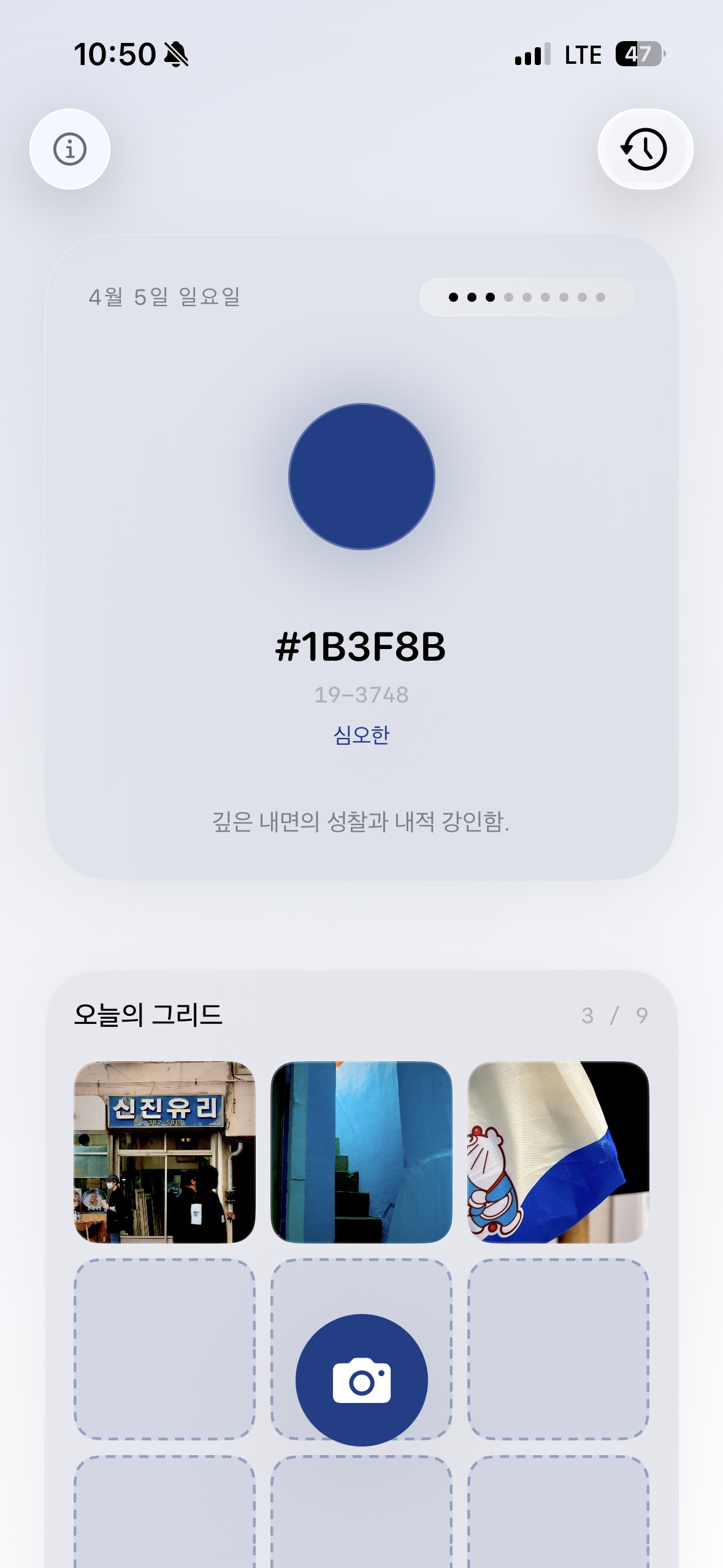
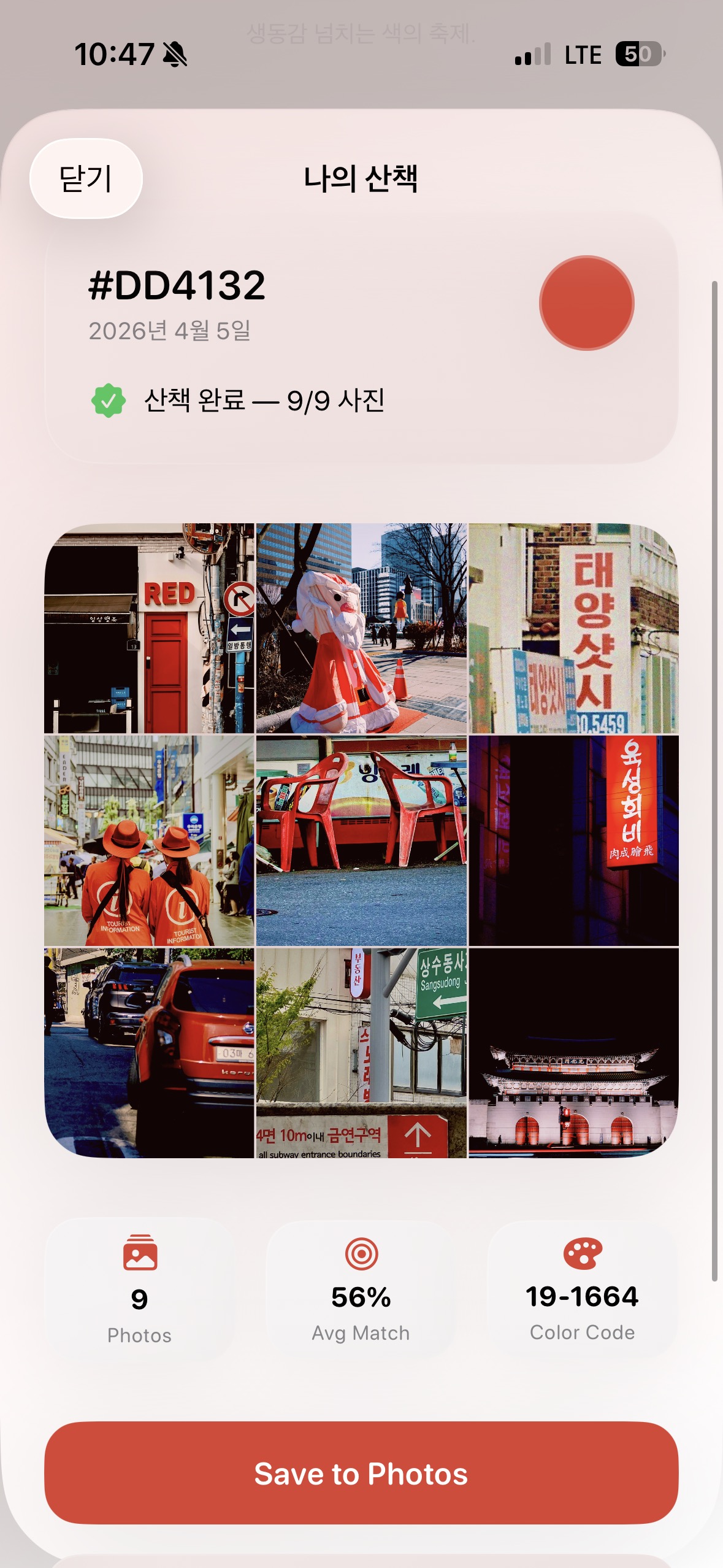
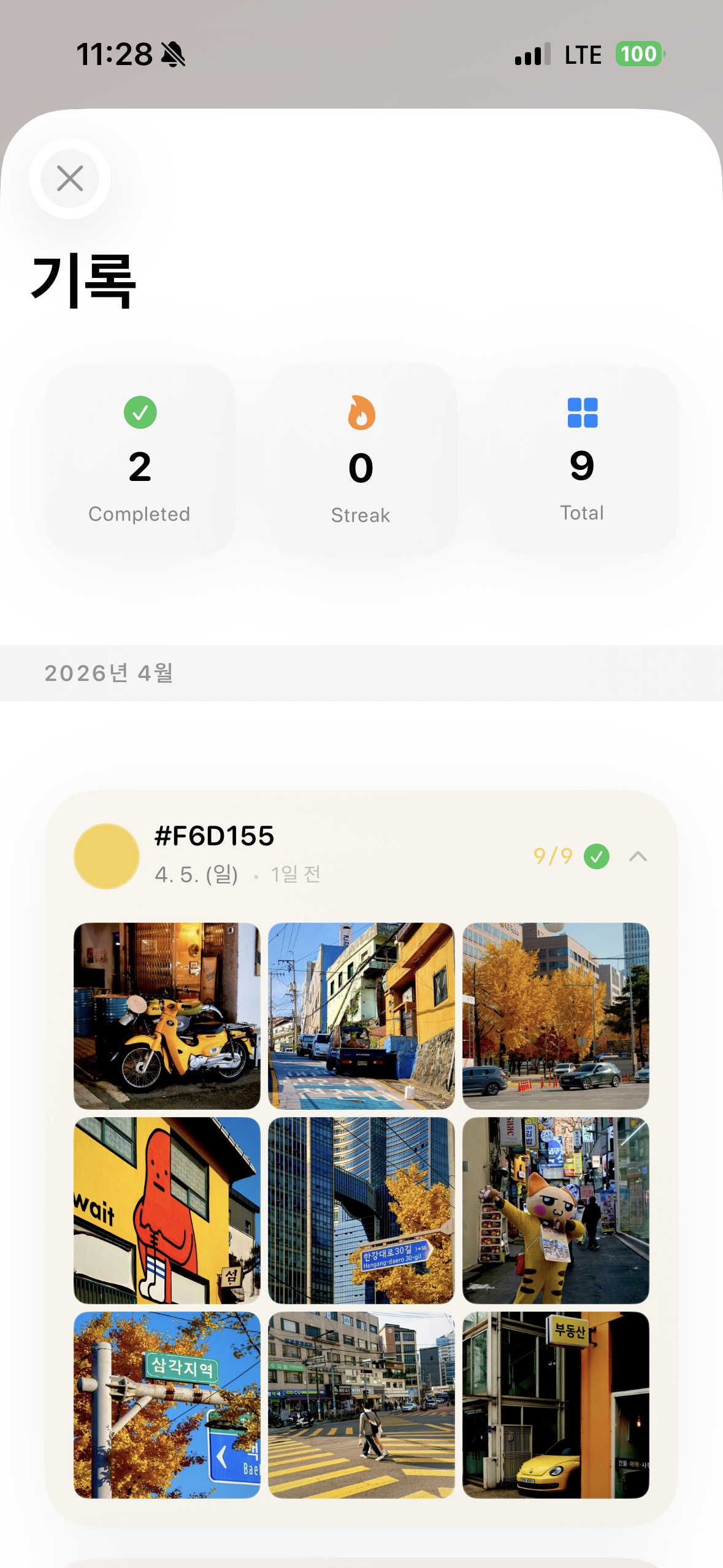
Open the app and today's color appears. Warm tones in spring, cool tones in winter. 30 curated colors cycle with the seasons.
Point your camera and it detects color in real time. It spots a red mailbox against a gray wall instantly.
Can't shoot right now? No problem. Pick a color from photos you've already taken.
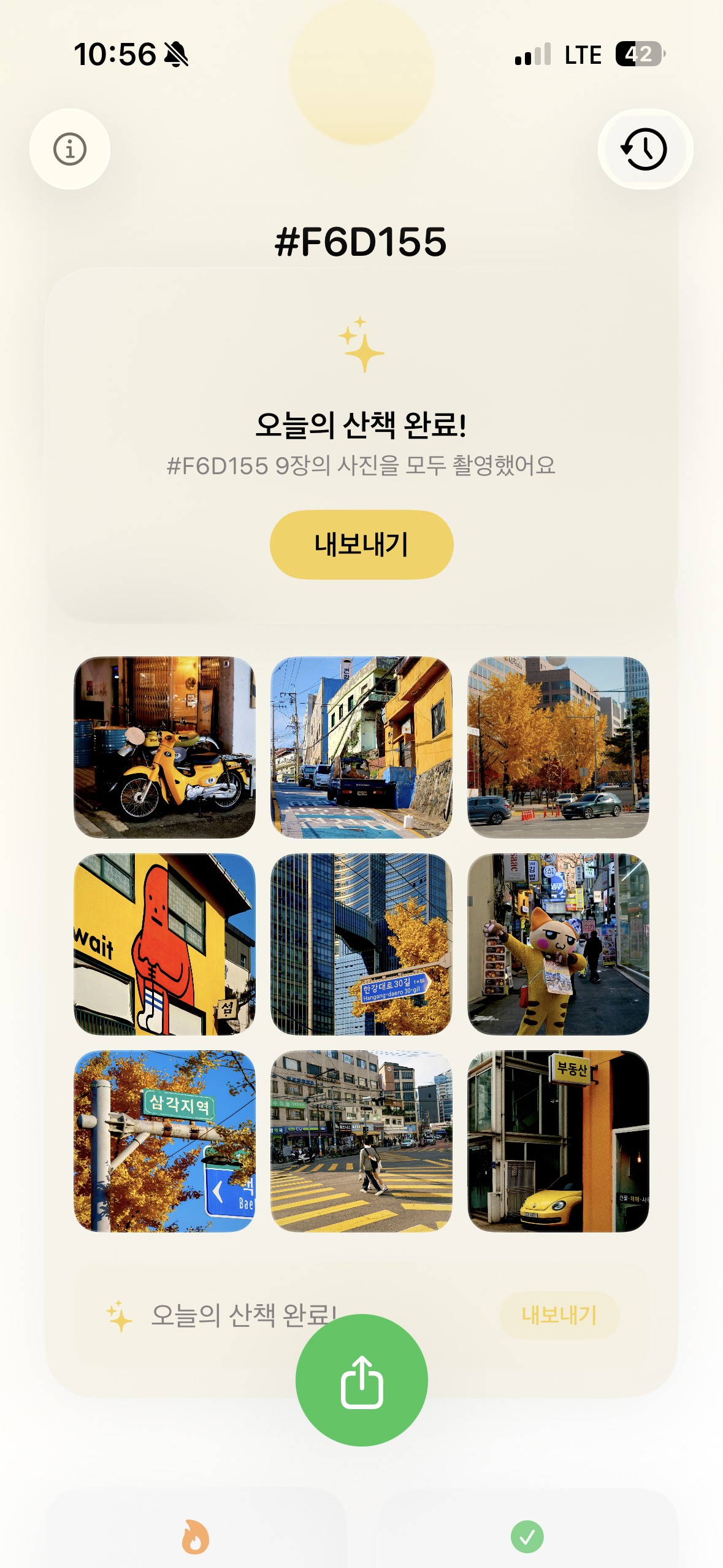
Fill the 3x3 grid one photo at a time. When it's full, the day's color becomes a piece of art.
See your progress on lock screen and home screen instantly.
A subtle analog tone is applied automatically. No editing needed.
Your photos and clips become a rhythm-synced Reels video. Ready to share on Instagram.
Today's color and mood appear. "So that's today's color."
See that color? Shoot it. Or pick one from your gallery.
Share your completed grid or set it as your lock screen right away.
Color Walk — download now.
Download on App Store